

Data retention policy template for meeting recordings
Steffen Rosenögger, Founder of CapmePublished November 17, 2026
A copyable data retention policy template for meeting recordings, with periods per recording and how long Teams, Zoom and Meet keep recordings by default.
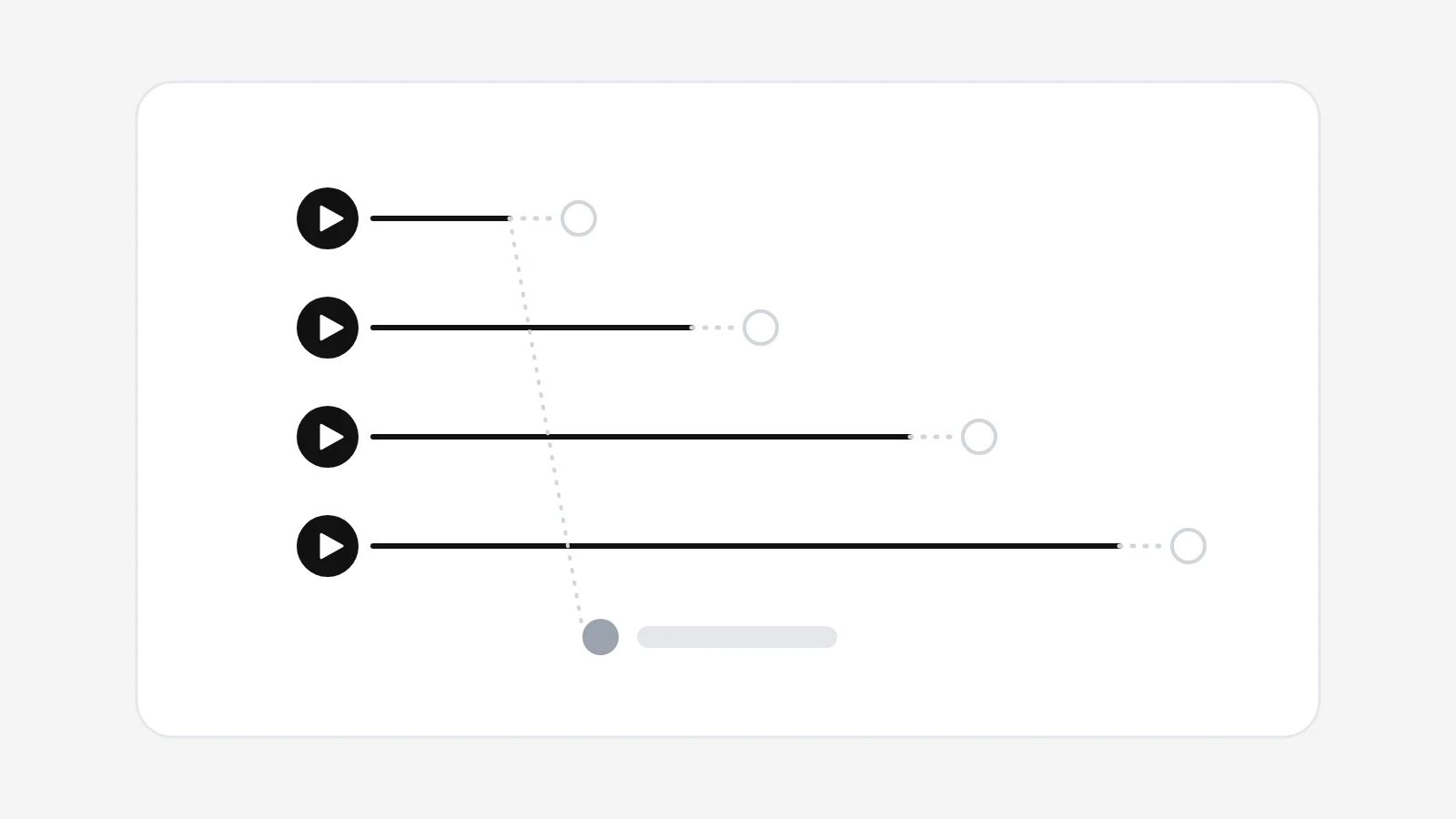
In short
- Write one period per kind of recording: a weekly update needs weeks, a handover video may need years.
- Of Teams, Zoom and Meet, only Teams deletes recordings by default, and Microsoft says that expiry does not enforce compliance.
- Trash folders, moved files and saved copies escape automatic deletion, Capme's included; count them before you promise a period.
A data retention policy template for meeting recordings has to set one period per kind of recording, because no EU or German law sets a general deletion period. A data retention policy is the written rule that says how long each kind of data is kept, why, and how its deletion is proved. The GDPR lets a company keep a recording only as long as its purpose needs it and requires deletion once that purpose is met.
Is there a legal deletion period for meeting recordings?
A meeting recording has no statutory period of its own; the GDPR ties it to the purpose. Article 5(1)(e) says personal data are to be "kept in a form which permits identification of data subjects for no longer than is necessary for the purposes for which the personal data are processed" (GDPR on EUR-Lex). Article 17(1)(a) adds the duty to erase once the data "are no longer necessary".
You still have to name the period. Article 13(2)(a) requires the privacy notice to state how long data are stored, "or if that is not possible, the criteria used to determine that period". Article 30(1)(f) wants, where possible, the envisaged time limits for erasure in the record of processing activities. A phrase like "as long as necessary" meets neither; "until the next weekly update, at most 30 days" does.
Fixed periods come from special laws. An investment firm must record phone calls and electronic messages about client orders (§ 83(3) WpHG), keep them five years and then delete them and document the deletion; BaFin can extend that by two years (§ 83 WpHG). The six to ten years of § 147 AO and § 257 HGB cover books and business letters, not a status meeting; if a recording documents a deal, ask your tax adviser.
What goes into a data retention policy template?
A data retention policy template for meeting recordings names the scope, the purpose, who is responsible, the periods, the exceptions, how deletion is proved and when the policy is reviewed. Copy the eight clauses below, fill in the brackets and take the periods from the table below. With a works council, periods are usually negotiated there (what the works council decides).
- Scope. This policy covers video and audio recordings of internal meetings and recorded meeting updates in [tool], including transcripts made from them and every copy of them.
- Purpose. Recordings are made to inform people who were not present and to document results. They are not used to assess performance or conduct.
- Responsibility. [Role, for example the IT lead] owns this policy and sets the periods in [tool]; [the data protection officer] checks it. Organisers delete recordings they no longer need.
- Periods. Status updates: [30] days. Project recordings: [90] days after acceptance. Training and handover videos: while current, checked every [12] months by [role]. Audio made only for minutes: deleted once the minutes are approved, at the latest after [72] hours.
- Deletion. The tool deletes automatically when the period ends. Recordings kept longer are listed with a reason and a review date. Downloads are switched off where the tool allows it, and copies outside the tool are not allowed.
- Exceptions. Statutory retention duties and legal holds take precedence for as long as they apply; [role] decides and records the decision.
- Proof. [Role] exports the tool's deletion log every [quarter] and keeps it with the record of processing. Participants can ask for an earlier deletion of their own contribution at [contact].
- Review. [Role] reviews this policy every [12] months and whenever the tool changes. Version [1.0], valid from [date].
Clause 5 needs a setting behind it: a Teams admin can block downloads of channel meeting recordings with the -ChannelRecordingDownload policy. Capme cannot switch downloads off for the person who recorded a video, but the audit log records each download from the library. Clause 7 matters most, since without the export nobody can show the period was kept. In Teams, the Purview audit log lists each "Deleted file" in OneDrive and SharePoint; in Google Workspace, the admin console's Drive log events record deletions; in Capme, it is the audit log CSV under Data (both vendor pages checked 1 November 2026).
How long should each kind of meeting recording be kept?
A meeting recording should be kept until the question it answers has a newer answer. The table is our rule of thumb, with the reason in each row, so your DPO can argue with the reason as well as the number.
For audio that only exists to make a transcript, the German data protection association GDD is stricter. Its concept paper on AI transcription (version 1.2, 9 June 2026) wants raw audio deleted right after transcription and calls a grace period of a few days, for example 72 hours, "a good guideline" (translated) (GDD paper, PDF).
| Recording | Purpose ends when | Period |
|---|---|---|
| Weekly status update | the next update replaces it; latecomers had a week | 30 days |
| Project review, steering round | the project is accepted and complaints are settled | acceptance plus 90 days |
| All-hands, announcement | the news is common knowledge | 90 days |
| Onboarding or training video | the process it shows changes | while current; review yearly |
| Handover, knowledge transfer | the system or role it explains is gone | while the system runs; review yearly |
| Live call recorded only for minutes | the minutes are approved | a few days (GDD: about 72 hours for raw audio) |
| Client order conversation at an investment firm | the statutory period ends | 5 years, then delete and document (§ 83(8) WpHG) |
How long do Teams, Zoom, Meet and Capme keep recordings?
Microsoft Teams deletes meeting recordings after 120 days by default and Capme after 365 days. Zoom keeps cloud recordings until someone deletes them or switches on auto-delete, and Google Meet recordings follow the retention rules set for Drive.
| Tool | Where the recording lives | Default | Who changes it |
|---|---|---|---|
| Microsoft Teams | organiser's OneDrive, or the channel's SharePoint site | deleted after 120 days, transcripts too; a moved file no longer expires | Teams admin: "Recordings automatically expire", "Default expiration time"; compliance periods in Purview |
| Zoom cloud recording | Zoom's cloud | no deletion period named; the daily run often deletes a day late, then 1 day grace and 30 days in trash | user or account admin: delete after a set number of days |
| Google Meet | Google Drive | Drive's rules apply; Meet-specific retention is off | Vault admin: 1 to 36,500 days |
| Capme | EU hosting, or your own S3-compatible bucket on Business and Enterprise | deleted after 365 days on EU hosting, about two nights after expiry; in your bucket, your lifecycle rule | Business and Enterprise admin, or the owner on Solo: 1 to 365 days; fixed on Team |
A default is a storage setting, and Microsoft says so: "The expiration feature removes old recordings and transcripts to save storage space, but doesn't enforce compliance requirements." For compliance, Microsoft points to Purview retention policies on a SharePoint library, so that is where a Teams company sets its legal period. To delete a Teams recording early, delete its .mp4 file in OneDrive or SharePoint. Your period also has to cover what automatic deletion misses: Zoom's trash keeps a recording 30 more days, and a Teams recording moved out of its folder no longer expires. For a five-year archive, Purview or Google Vault fit better than Capme.
How does a Business workspace set a 60-day period in Capme?
In Capme Meetings, a meeting platform for async meetings, speakers record their agenda topics before the speakers' recording deadline, the audience watches them as chapters, and no call is ever captured. A Business admin sets 60 days like this:
- On the "Recording and sharing" tab, under "How long is a recording kept?", the admin enters 60. A note below the field says: "New recordings will be kept 60 days. Nothing already recorded is shortened." After saving, the audit log records the change with the old and the new value.
- A speaker records the weekly update on 2 November 2026 and it goes into the meeting the same day. It expires on 1 January 2027. Adding a video to a meeting restarts its 60 days on that day.
- For the quarterly review, the organiser switches on "Keep this meeting and its videos beyond the retention window": its videos stay until someone deletes them.
- The first nightly run after 1 January queues the update and lists it for Capme's team; the next night's run deletes it from the video host unless the team stopped it, and logs the deletion. Under Data, the admin downloads that log as CSV, covering 365 days: the deletion record the DPO asks for.
No window on Capme hosting is longer than 365 days, and a kept video has no end date, so a five-year WpHG duty needs your own bucket or an archive. Deleting a meeting keeps its videos and their expiry dates. Nobody gets an email before a recording expires; the library shows the days left. Whoever recorded a video can keep a copy outside any window, with "Save to device" before sending or "Download video" in Videos later. On Team the window is fixed at 365 days and the audit log comes on request, so a shorter period needs Business (retention help article).
Frequently asked questions
- Do we have to delete an employee's recordings when they leave?
- Not automatically. The period follows the purpose: a handover video can outlive the job, a recorded weekly update should not. If the former employee asks for erasure, check whether a purpose still holds (Article 17 GDPR; see what changes when an employee leaves).
- Does a new period clear recordings older than it?
- Not on its own in Capme: a shorter window applies only to new recordings, so an admin deletes older ones in the library. In other tools, check whether the policy covers existing files before the period goes into the privacy notice.
- Can a single recording be kept longer than the rule says?
- Yes, if a new purpose justifies it, such as a dispute or a training reuse. Write down the reason and a review date, and delete when the reason ends.